

The MacBook Air (13-inch, Early 2015) is one of the most reliable and long-lasting laptop models. Many users still use this device for office work, study, browsing, and basic tasks.
Even though it is an older model, it is still strong and dependable when properly maintained.
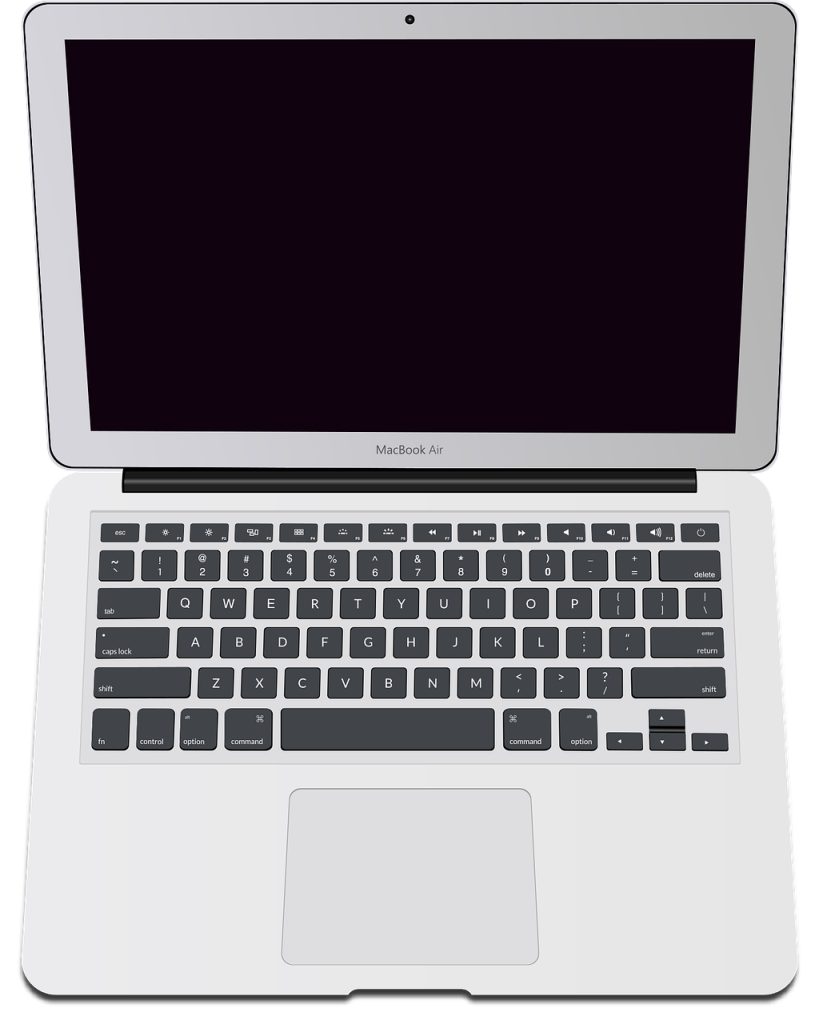
Basic Information
- Model Name: MacBook Air (13-inch, Early 2015)
- Model Identifier: MacBookAir7,2
- Common Part Numbers:
MJVE2xx/A
MJVG2xx/A
MMGF2xx/A
MMGG2xx/A
If your laptop matches these details, this guide is for your device.
Key Features
This model comes with:
- 13.3-inch display
- Intel Core i5 processor
- 4GB or 8GB RAM
- 128GB or 256GB SSD storage
- MagSafe 2 charging port
- USB-A ports
- Thunderbolt 2 port
- SD card slot
It is lightweight and easy to carry, making it good for:
- Students
- Office users
- Basic editing
- Online work
- Everyday browsing
Common Problems in This Model
Since this device is older, some hardware parts may wear out over time.
1. Battery Issues
- Battery draining fast
- Battery not charging
- “Service Battery” warning
After many years, battery replacement is common.
2. Charging Problems
This model uses a MagSafe 2 charger. Problems may include:
- Charger not connecting properly
- Laptop not turning on
- Charging light not working
Sometimes the issue is the charger, sometimes the charging circuit.
3. Slow Performance
The laptop may feel slow because:
- Storage is full
- Old macOS version
- Background applications
- Limited RAM (4GB version especially)
Upgrading or cleaning the system can improve speed.
4. Overheating
Dust inside the fan or old thermal paste can cause:
- High temperature
- Loud fan noise
- Slow performance
Cleaning the internal system can help.
5. SSD or Logic Board Issues
In rare cases, the laptop may:
- Not turn on
- Show folder with question mark
- Freeze frequently
This may require professional inspection.
When Should You Get It Repaired?
You should visit a technician if:
- It shuts down randomly
- It does not charge
- It overheats often
- The keyboard stops working
- The screen gets damaged
Fixing small problems early can prevent bigger damage later.
Professional Repair Services
At Smart Techs Franchise, we provide:
- Battery replacement
- MagSafe charging repair
- SSD replacement
- Screen replacement
- Keyboard repair
- Fan cleaning & overheating fix
- Logic board repair
- macOS installation & software troubleshooting
- Data recovery
We carefully check the device before starting repair and explain everything clearly.
How to Confirm Your Model
To check your laptop model:
- Click the Apple logo ()
- Select About This Mac
- Check the year and details
If it shows MacBook Air (13-inch, Early 2015) and Model Identifier MacBookAir7,2, this guide applies to you.